AnyDesk

AnyWhere. AnyTime.
Break geographical restrictions and enjoy efficient remote work experience
打破地域限制,畅享高效远程办公体验
Download AnyDesk 下载AnyDesk Buy Now > 立即购买>

Why Choose AnyDesk Remote Control Software

为何选择 AnyDesk 远程控制软件

AnyDesk is equipped with independently developed DeskRT core technology, combined with bank-level TLS1.2 encryption protocol, specially built remote service solutions for professional scenarios. Whether you are an individual user for daily remote assistance or enterprise-level large-scale deployment, AnyDesk can meet your remote work needs.

AnyDesk搭载自主研发的DeskRT核心技术,结合银行级别的TLS1.2加密协议,专为专业场景打造远程服务解决方案。无论您是个人用户日常远程协助,还是企业级规模化部署,AnyDesk都能满足您的远程办公需求。

AnyDesk remote control software high performance demonstration AnyDesk远程控制软件高性能演示
AnyDesk
AnyDesk
>
01 02 03

Industry-leading Performance

行业领先的性能表现

60 frames per second high refresh rate, ultra-low latency transmission, fast data synchronization - we know the importance of a smooth remote desktop experience for work efficiency. AnyDesk's original DeskRT codec technology can achieve near-local operation low latency experience even in 100kB/s low bandwidth environment or ultra-high resolution screen.

60帧/秒高刷新率、超低延迟传输、极速数据同步——我们深知流畅的远程桌面体验对工作效率的重要性。AnyDesk独创的DeskRT编解码技术,即便在100kB/s低带宽环境或超高分辨率屏幕下,依然能实现近乎本地操作的低延迟体验。

View Features > 查看特性 >
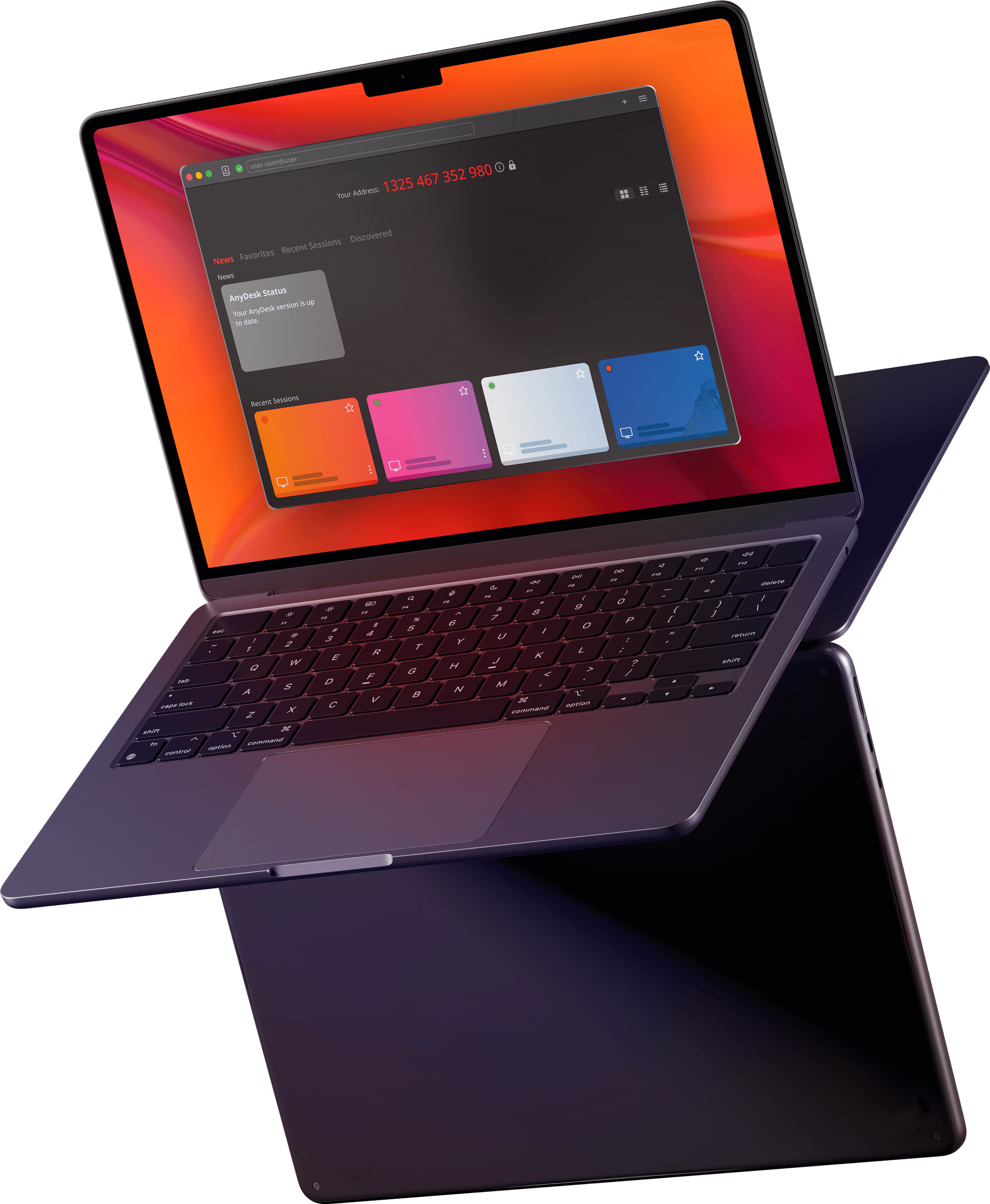
AnyDesk - The First Choice for Enterprise-level Remote Work

企业级远程办公首选 AnyDesk

AnyDesk remote control software is a core tool to improve team collaboration efficiency and creativity, providing comprehensive remote work capabilities for enterprises and individual users, helping users break geographical restrictions to create greater value.

AnyDesk远程控制软件是提升团队协作效率与创造力的核心工具,为企业和个人用户提供全方位的远程办公能力,助力用户突破地域限制创造更大价值。

👥

Real-time Online Collaboration

实时在线协作

Whether it's cross-regional online meetings, product demonstrations, or multiple people collaboratively editing the same document, AnyDesk makes team collaboration simple and efficient.

无论是跨地域的线上会议、产品演示,还是多人协同编辑同一份文档,AnyDesk都能让团队协作变得简单高效。

📁

Convenient File Transfer

便捷文件传输

Supports copy and paste for fast transfer, and batch file sending through the dedicated transfer panel, easily realizing file intercommunication between remote devices.

支持复制粘贴快速传输,也可通过专属传输面板批量发送文件,轻松实现远程设备间的文件互通。

✒️

Lightweight Deployment

轻量化部署

Only 1MB installation package size, can run without administrator privileges; if unattended access is needed, it can be achieved by simple installation and setting access password.

仅1MB安装包体积,无需管理员权限即可运行;如需无人值守访问,仅需简单安装并设置访问密码即可实现。

⚙️

Personalized Customization

个性化定制

Supports customizing AnyDesk interface style, can deeply integrate with corporate brand image, and provide customers with a unified remote desktop service experience.

支持自定义AnyDesk界面样式,可深度融合企业品牌形象,为客户提供统一的远程桌面服务体验。

💬

Full Session Recording

会话全程记录

IT operation and maintenance personnel and assisted users can retain remote session records, which not only improves operational security, but also can be used as reference materials for employee training.

IT运维人员与被协助用户均可留存远程会话记录,既提升操作安全性,也可作为员工培训的参考素材。

🏭

Private Network Deployment

私有化网络部署

No need to rely on public cloud, can quickly build enterprise-specific private network, all data does not leave the enterprise DMZ area throughout the process, and data security is controllable throughout the process.

无需依赖公有云,可快速搭建企业专属私有网络,所有数据全程不脱离企业DMZ区域,数据安全全程可控。

Full Platform Compatibility

全平台兼容适配

View More > 查看更多 >

AnyDesk has been recognized and trusted by more than 15,000 enterprises in 165 countries around the world. Through real customer cases, learn how AnyDesk helps enterprises in different industries optimize customer service, demonstrate product value and reconstruct work processes.

AnyDesk 已获得全球165个国家超15000家企业的认可与信赖,通过真实客户案例,了解AnyDesk如何帮助不同行业的企业优化客户服务、展示产品价值并重构工作流程。

Francisco Rodríguez

CIO, Münster/Osnabrück Airport
明斯特/奥斯纳布吕克机场 首席信息官
"It was not until the introduction of AnyDesk that we truly solved the data security problem of remote operation and maintenance of the airport's core systems."
“直到引入AnyDesk后,我们才真正解决了机场核心系统的远程运维数据安全难题。”
Read Case > 阅读案例 >

Usage Guide & Latest News

使用指南与最新资讯

28Oct

AnyDesk Software Installation, Activation and Device Migration Tutorial

AnyDesk软件安装激活与设备迁移教程

The core function of AnyDesk is remote assistance, which can realize comprehensive control of remote computers by local devices. This article details the complete process of software installation, activation authorization and device migration...

AnyDesk核心功能为远程协助,可实现本地设备对远端计算机的全面控制,本文详细讲解软件安装、激活授权及换机迁移的完整流程...

AnyDesk 2025-10-28
15Jan

Comparison between Anydesk and QQ Remote Functions: Which is More Suitable for Office Scenarios

Anydesk与QQ远程功能对比:哪款更适合办公场景

High-quality remote office tools can significantly improve work efficiency and reduce communication costs. This article compares the differences between Anydesk and QQ remote functions from the dimensions of function, stability, security, etc...

优质的远程办公工具能显著提升工作效率、缩短沟通成本,本文从功能、稳定性、安全性等维度对比Anydesk与QQ远程功能的差异...

Anydesk Remote Work 远程办公 2021-01-15
12Jan

Troubleshooting and Solutions for AnyDesk Remote Connection Abnormalities

AnyDesk远程连接异常的排查与解决方法

AnyDesk (Windows version) is a powerful remote assistance tool. Connection abnormalities may be encountered in daily use. This article summarizes common abnormalities and corresponding solutions...

AnyDesk(Windows版)是功能强大的远程协助工具,日常使用中可能遇到连接异常问题,本文汇总常见异常及对应的解决方案...

AnyDesk 2021-01-12
AnyDesk remote work scenario display AnyDesk远程办公场景展示

AnyDesk

Efficient and stable remote control solution

高效稳定的远程控制解决方案

Buy Now > 立即购买 >